
When to choose Google Tag Manager?
-
You run advertising
Google Ads, Meta, LinkedIn and TikTok conversions managed in one place.
-
Your tracking changes often
Adding a measurement does not require redeploying the site.
-
You want to respect consent
Each tag only fires after the visitor agrees.
-
Several people are involved
Version history and preview mode avoid errors going live.
When Google Tag Manager is not the best choice
For a small site with a single measurement (Analytics only, no advertising), Tag Manager adds a layer you may not need: a direct installation can be enough. And it is not a reporting tool: figures are read in Analytics or in the ad platforms.
What we build with Google Tag Manager
Clean container
Clear structure, naming, documented variables and triggers.
Conversion tracking
Forms, phone and WhatsApp clicks, purchases, with the right values.
Consent mode
Link with the cookie banner to respect visitors' choices.
E-commerce
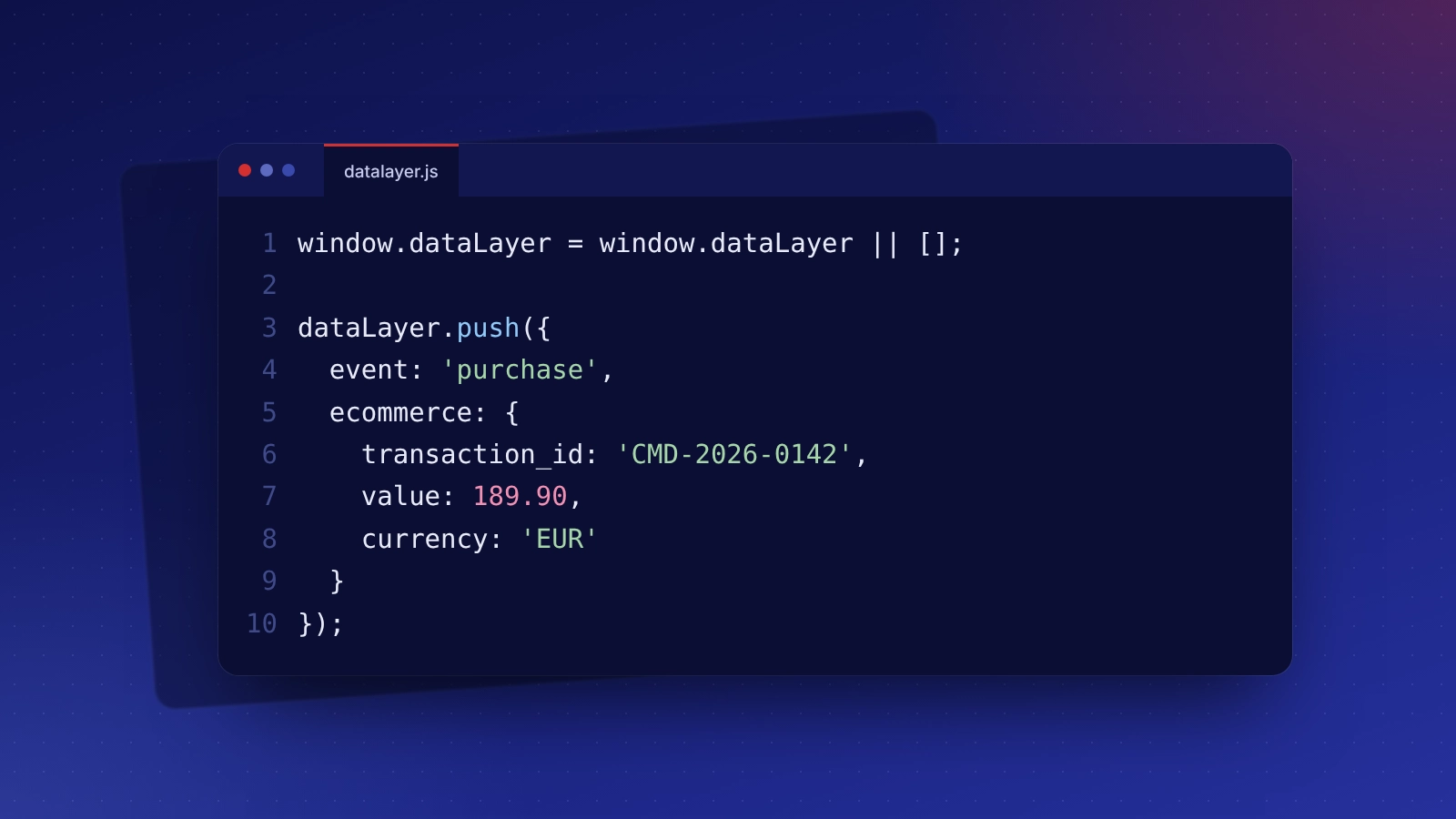
Purchase, basket and product events sent to Analytics and ad platforms.
Google Tag Manager: taking over what is already in place
A container full of tags nobody can explain, duplicate codes counting conversions twice, tags firing before consent: we take stock, remove what is not needed, rename everything clearly and check each conversion in preview mode.
Google Tag Manager: related services and budget
Indicative budget
The tool is free. Set-up included in our paid search (from €290 per month) and digital marketing (from €490 per month) packages; one-off tracking audit from €490.
Frequently asked questions: Google Tag Manager
A well-kept container has very little effect. Unnecessary tags are what weigh; we only keep the useful ones.
Not for everyday settings. Some measurements (e-commerce, specific forms) need a little code in the site, which we add.
Yes, if tags are tied to consent. That is precisely one of Tag Manager's benefits: all the control happens in one place.
Yes. The account is in your name and we have management access. You can remove it at any time.