
When to choose Canva?
-
You post yourself
Changing a text and photo in a template takes a few minutes.
-
Your image lacks consistency
The same colours, fonts and layouts in every post.
-
Several people create visuals
A shared workspace with locked templates.
-
You need many formats
One design adapted into a post, story, banner and poster.
When Canva is not the best choice
To create an original logo that can be registered as a trademark, a designer's work in professional tools (Illustrator) remains preferable. And to design the screens of a website or app, Figma is the right tool.
What we build with Canva
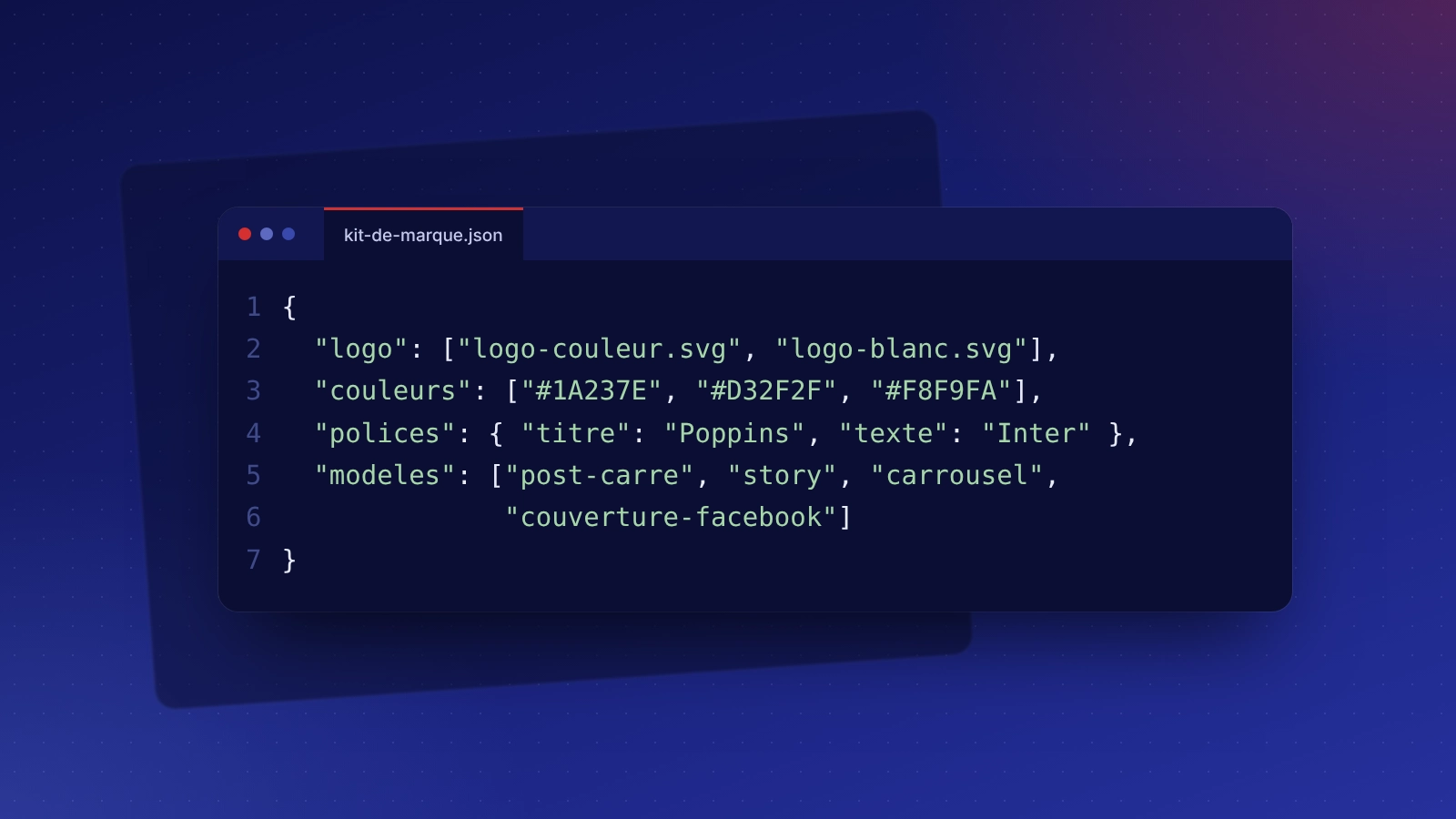
Brand kit
Logos, colours, fonts and usage rules in your Canva workspace.
Social media templates
Posts, stories, carousels, covers.
Print materials
Flyers, posters, cards, menus, ready for the printer.
Presentations
A sales presentation template in your colours.
Canva: taking over what is already in place
Dozens of visuals created over time, with different colours and fonts in each post: we gather what exists, define a brand kit and replace it with a set of consistent templates.
Canva: related services and budget
Indicative budget
Canva has a free version; Canva Pro (brand kit, resizing) is taken with the publisher. Kit and templates included in our graphic design (from €450) and social media management (from €390 per month) packages.
Frequently asked questions: Canva
Not necessarily. The free version lets you use templates; Canva Pro adds the brand kit, automatic resizing and a larger image library.
Yes, they are created in your Canva workspace or shared with it. You keep using them even without us.
It is possible, but a logo made from Canva elements cannot always be registered as a trademark. We create logos in a professional tool, then import them into Canva.
They can be used under Canva's licence, with limits (for example for resale or logos). We check these conditions for your uses.