
When to choose Photoshop and Illustrator?
-
You are starting a business
An original vector logo, usable everywhere and registrable.
-
Your logo is blurry or dated
Cleanly redrawn, in every format.
-
You have photos to showcase
Products cut out, lighting corrected, backgrounds harmonised.
-
You print
CMYK files with bleed, ready for the printer.
When Photoshop and Illustrator is not the best choice
For you to create your everyday posts yourself, Canva is simpler and cheaper. And to design the screens of a website or app, Figma is the right tool.
What we build with Photoshop and Illustrator
Logo and variants
Main version, monochrome, icon, on light and dark backgrounds.
Brand guidelines
Colours, typography, usage rules, application examples.
Photo retouching
Cut-outs, colour harmonisation, web preparation.
Print materials
Business cards, flyers, posters, roll-up banners, signs.
Photoshop and Illustrator: taking over what is already in place
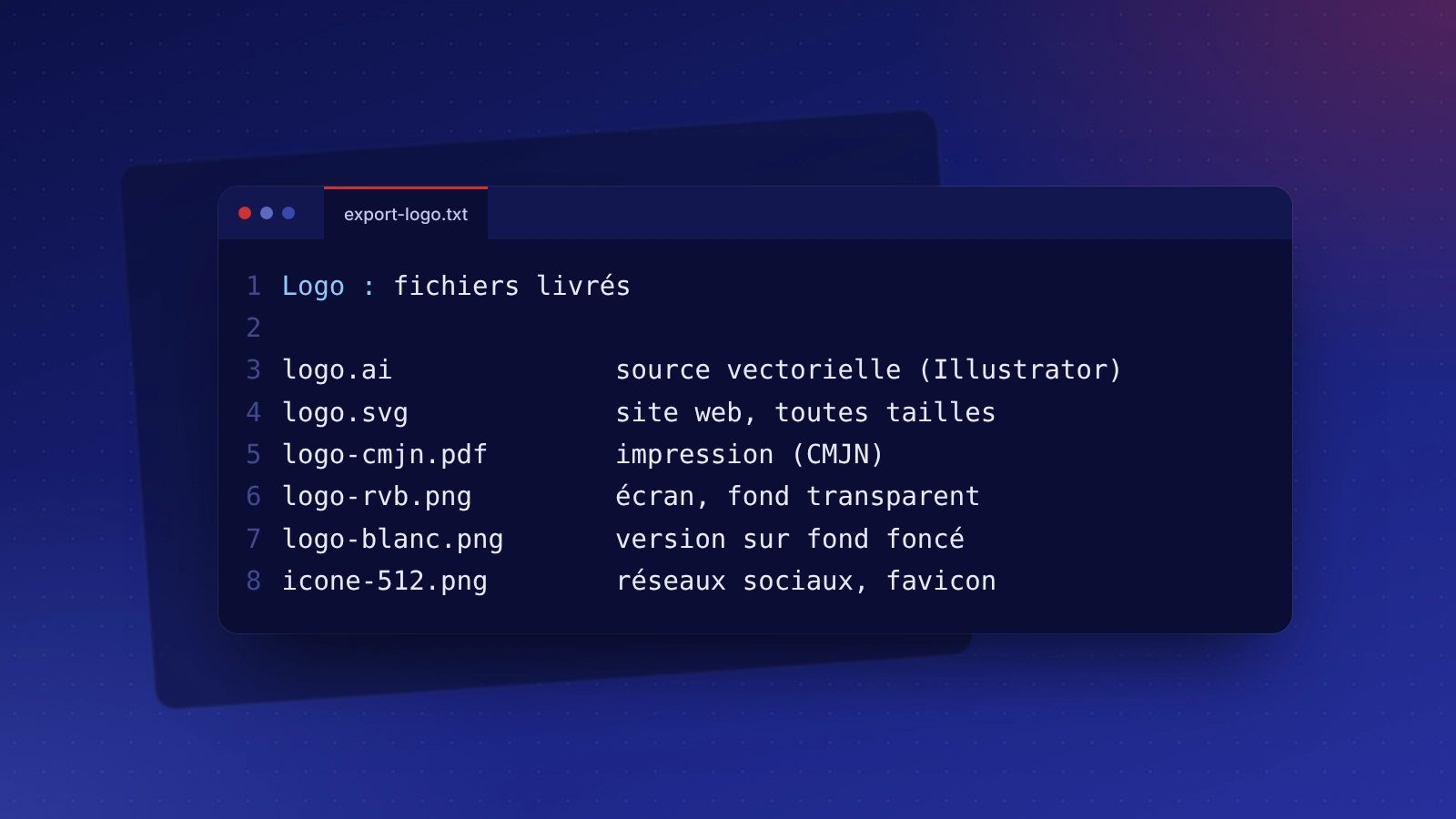
A logo only available as a small blurry image, lost source files, colours that change from one medium to another: we redraw the logo in vector, identical or lightly modernised, fix the exact colours and deliver a complete set of files.
Photoshop and Illustrator: related services and budget
Indicative budget
Adobe software is on subscription at our expense: you receive the files and need no subscription. Logo and visual identity from €450 (graphic design package).
Frequently asked questions: Adobe Photoshop and Illustrator
No. We work with our own licences and deliver the final files, including sources if you wish.
The vector source file, an SVG for the website, transparent PNGs for screen and a CMYK PDF for print, in colour and in a white version.
Yes, usage rights are transferred to you on delivery, which notably lets you register it as a trademark.
Yes. We redraw it in vector, identical or lightly modernised, as you prefer.