
When to choose Figma?
-
You are launching a site or app
Seeing and approving screens before development avoids unpleasant surprises.
-
You want to test an idea
A clickable prototype shown to a few customers before investing.
-
Several people must approve
Comments directly on the mock-up, in the right place.
-
You have brand guidelines
A design system that keeps every page consistent.
When Figma is not the best choice
For a social media visual, a poster or a business card, Canva or Adobe tools are better suited. And for a very small, very standard website, a full mock-up is not always needed: a few key screens are enough.
What we build with Figma
User flows and structure
Organisation of pages and screens before design.
Mock-ups
Mobile and desktop screens, with the real copy.
Clickable prototype
Navigation you can test on a phone to validate user flows.
Design system
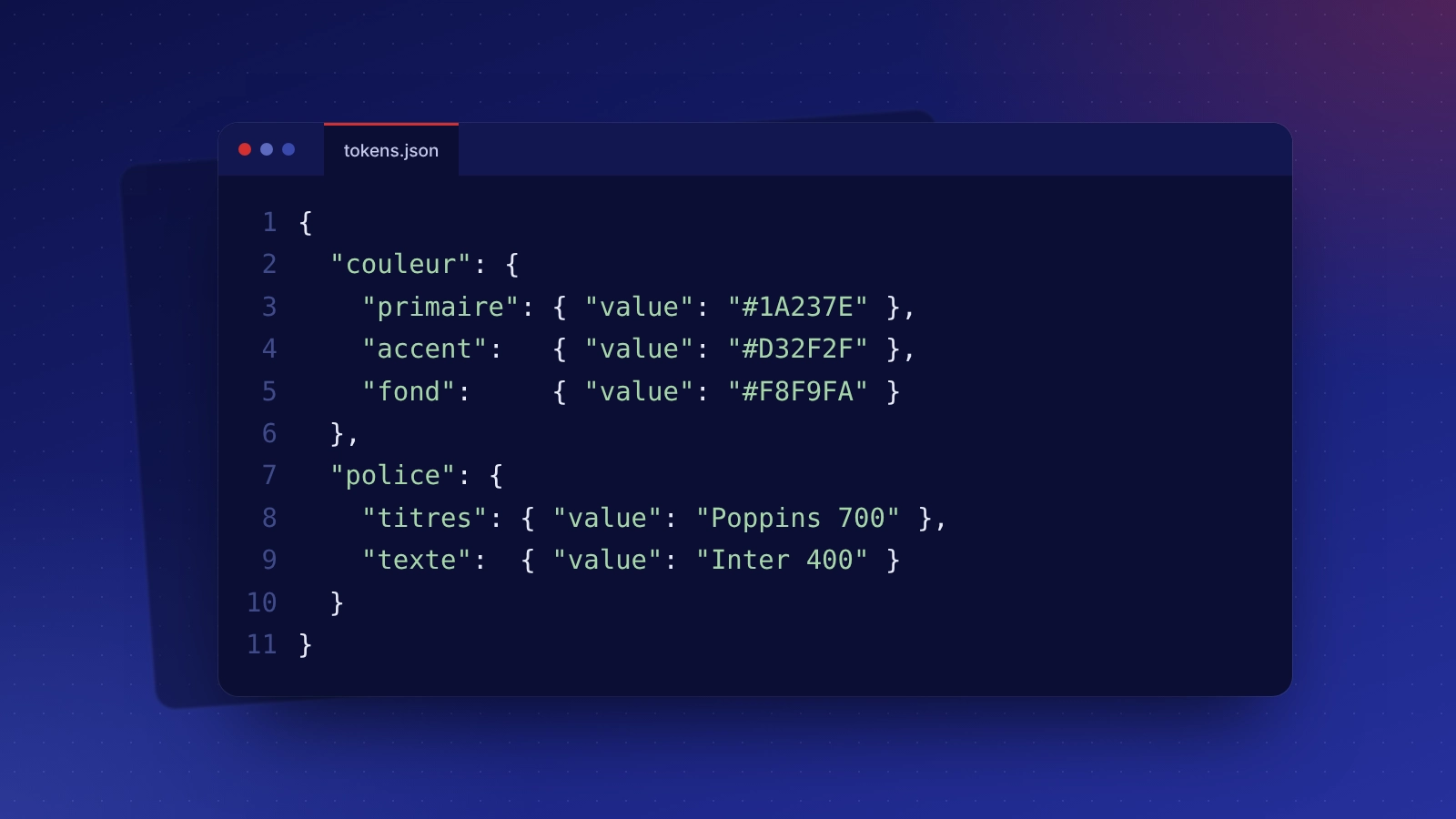
Reusable colours, typography, components and usage rules.
Figma: taking over what is already in place
Scattered existing mock-ups, several contradictory versions, components that cannot be reused: we take stock, rebuild a clean design system from what exists and organise the file so it serves as a lasting reference.
Figma: related services and budget
Indicative budget
Figma has a free plan; team plans are taken with the publisher. Mock-ups included in our UX / UI design packages (from €890) and in our custom websites.
Frequently asked questions: Figma
No. A simple link is enough to view the mock-ups and comment on them from your browser, without a paid account.
Yes, the files are handed over at the end of the project; we can also transfer them into your own Figma workspace.
The number of revision rounds is stated in the quote. Comments directly on the mock-up make each round quicker.
Adobe XD is no longer being developed; Figma has become the reference for interface design. We can bring your old XD files into Figma.