
When to choose HubSpot?
-
You lose prospects
Every request is recorded, with a follow-up task.
-
Several people sell
Everyone sees the customer's history without stepping on each other's toes.
-
Your sales take time
A pipeline shows where each deal stands and what is blocking it.
-
You do B2B
Contacts linked to their company, with every exchange.
When HubSpot is not the best choice
For a freelancer with few prospects, a well-kept spreadsheet or the quoting tool in your invoicing software may be enough. And HubSpot is not accounting software: invoices stay in your dedicated tool.
What we build with HubSpot
Configuration
Properties, sales stages, users and permissions.
Website connection
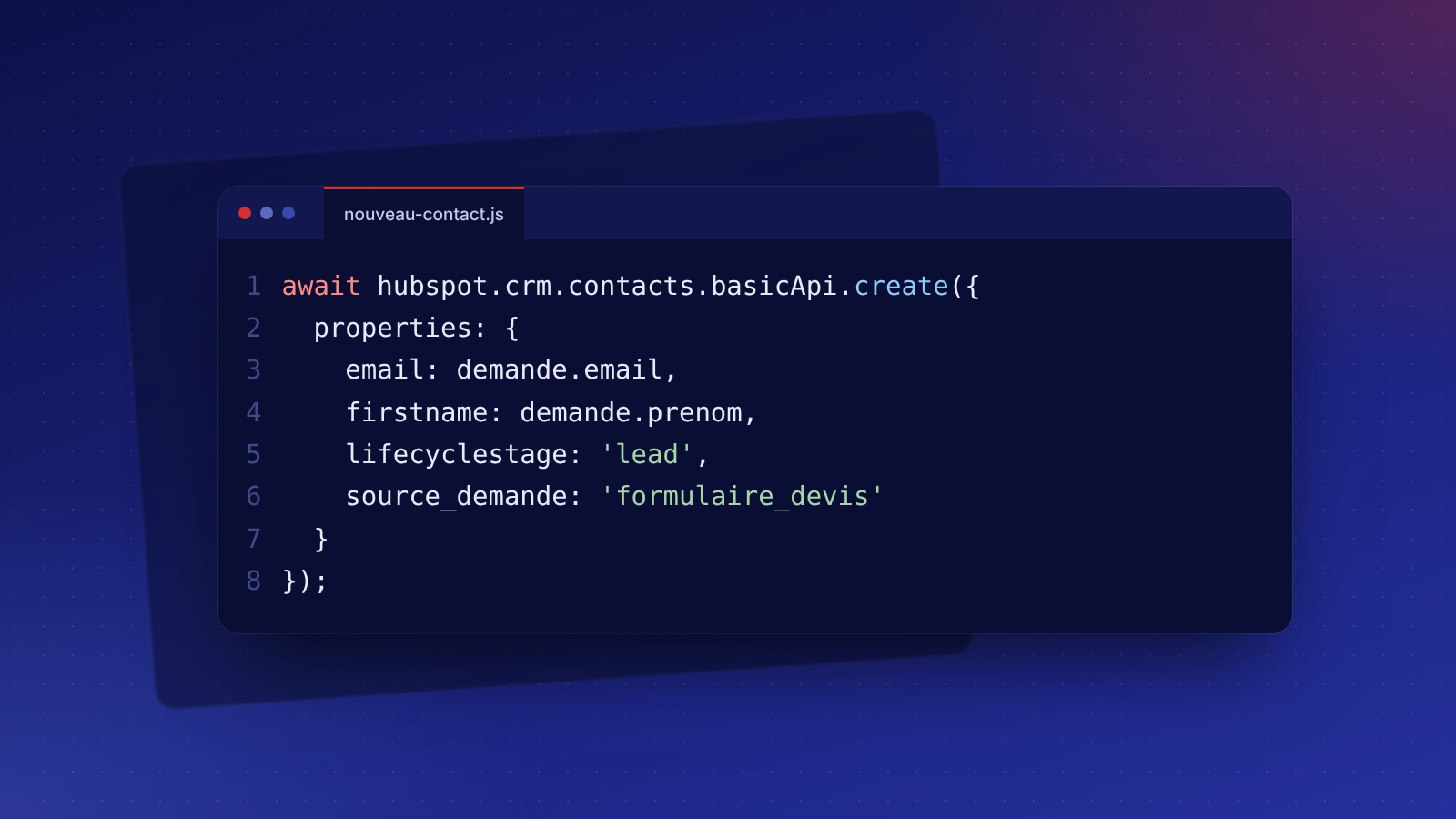
Contact and quote forms that create contacts and deals.
Import and clean-up
Existing contacts imported, duplicates merged, consents recorded.
Automatic follow-ups
Tasks and follow-up emails based on each deal's progress.
HubSpot: taking over what is already in place
A CRM installed then abandoned, duplicate contacts, sales stages that no longer match reality: we clean the data, redefine the pipeline with you and automate repetitive tasks so the tool is actually used.
HubSpot: related services and budget
Indicative budget
HubSpot offers a free CRM and paid plans from the publisher. Set-up and training from €690 (automation package); marketing support from €490 per month.
Frequently asked questions: HubSpot
For a small team, often yes: contacts, pipeline, tasks and email tracking are included. Paid plans mainly add advanced automation and reporting.
Yes. You can export your contacts and history at any time. We state HubSpot's use in your privacy policy.
Yes, directly or through an automation tool such as n8n or Make, so conversations and sign-ups appear in the records.
For a small team, a few days of configuration and half a day of training are usually enough. What matters next is using it every day.